Examples
Contractor Website Examples: Design Lessons From Real Projects

These projects show how we organize service pages, project galleries and estimate-request forms for contractors. The first twelve examples are trade businesses; the final section draws related lessons from cleaning, beauty and contractor software projects.
We are reviewing design choices, not presenting measured booking results. Each example links to the project or its case study so you can examine the work.
What makes a contractor website “good”
A homeowner does not care about your hero animation. On a phone, at a job site or on the couch at 9pm, they want four things answered in about five seconds: what you do, where you work, what the work looks like, and how to get a quote. Every example below nails at least one of those, and the best ones nail all four. Watch for these as you scroll:
- Mobile speed — most contractor searches happen on a phone. A slow site loses the click before the page even loads.
- Click-to-call above the fold — a thumb-sized phone button visible immediately, because plenty of homeowners just want to call.
- Estimate / quote forms — a short, trade-specific form so people who won’t call can still become a lead at midnight.
- Service areas — accurate local information and relevant project examples help visitors understand where you work.
1. Campos Mora Construction — asphalt paving (DE, PA, MD)
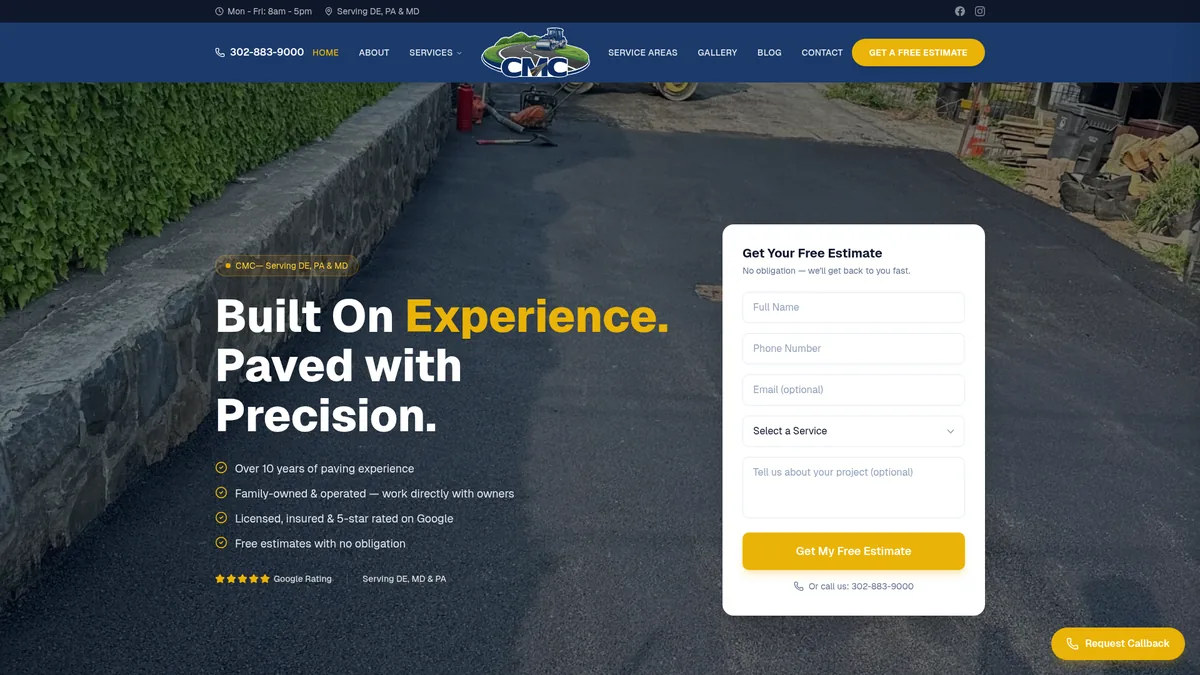
A family paving company that lived on referrals. The site leads with a single, obvious goal — get a free estimate — and a quote form that pre-qualifies the job (driveway, sealcoating, parking lot, commercial) before anyone calls back. Service-area pages explain where the crew works. Design lesson: estimate form + city/service pages doing the heavy lifting. Read the full case study →
2. ProDecks Delaware — deck building (4 states)
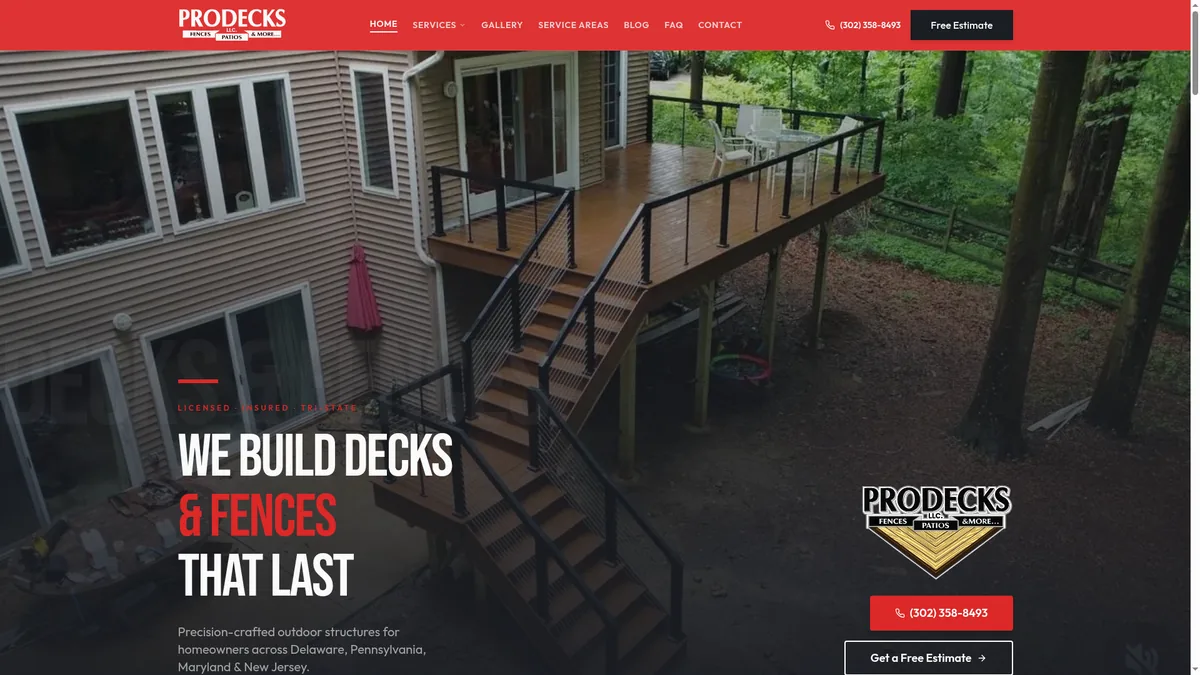
The build combines service-area content with an online booking path for homeowners across DE, PA, MD and NJ. Design lesson: service-area information and a booking flow help visitors find the relevant next step. Read the full case study →
3. Keystone Hardscape & Design — hardscaping (Chester County, PA)
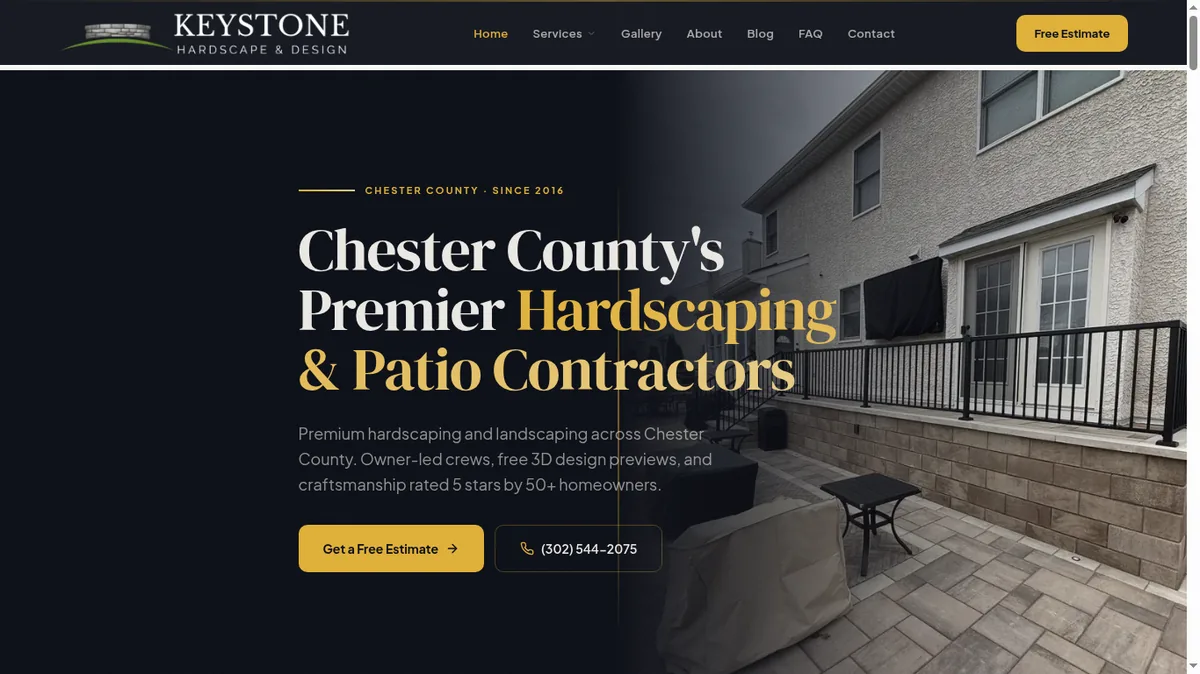
Pavers, walls, and patios are sold with the eyes. A fast, filterable project gallery and 13+ service pages let homeowners find the exact look they want and request a quote. Design lesson: a visual gallery that helps visitors assess the work — the core of any landscaping & hardscaping website. Read the full case study →
4. Two Men Fence — fencing, decks & trees (DE, PA)
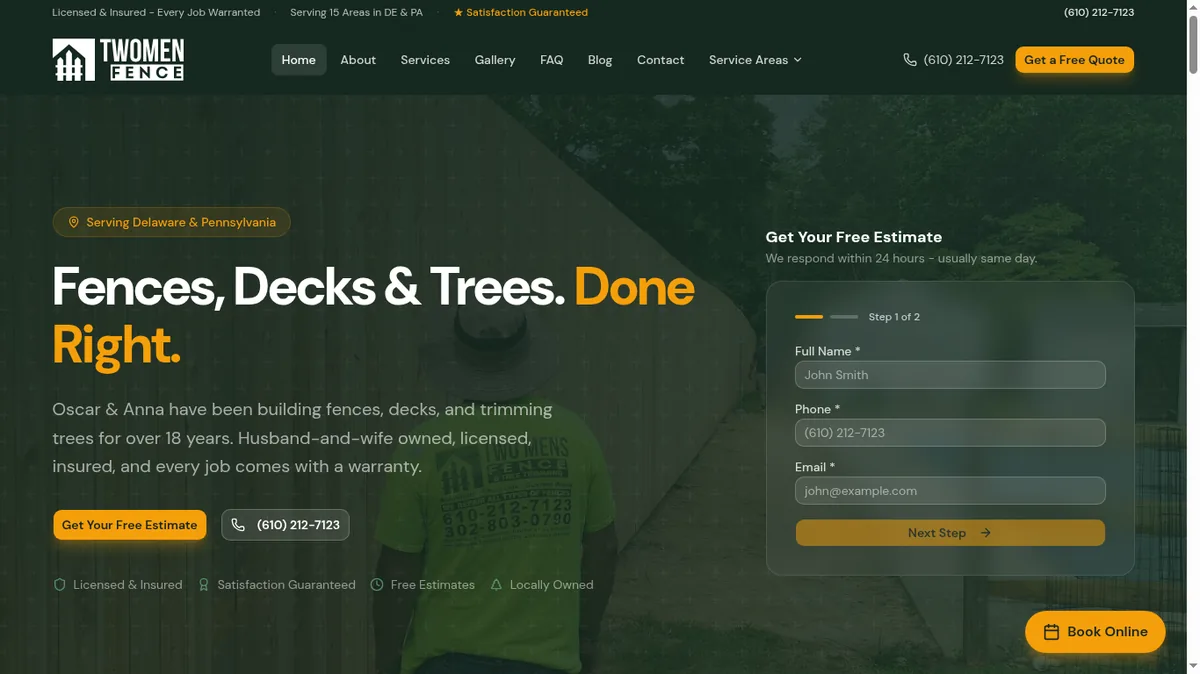
A husband-and-wife crew with 18 years of work and nothing online to show for it. A multi-step estimate form, online booking, and 15+ service-area pages fixed that. Design lesson: a multi-step form can organize estimate questions into smaller groups; compare completed inquiries before claiming a conversion improvement. Read the full case study →
5. Zavala & Sons Home Remodeling — whole-home remodeling (Wilmington, DE)
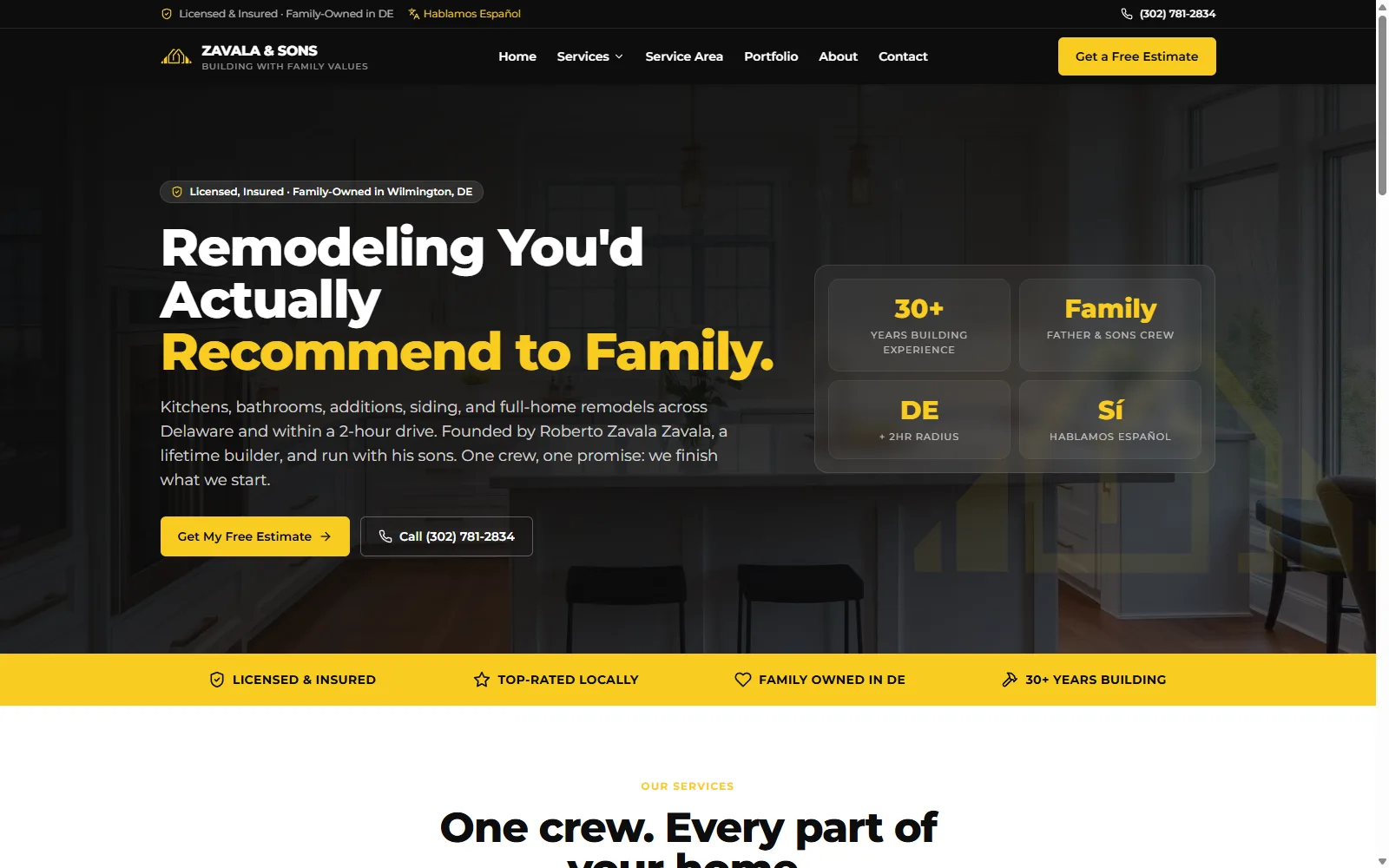
165 pages: every service, in every city they serve, plus 133 programmatic service × city long-tail pages. A multi-service website organized around the work and service area. Design lesson: the page structure groups service and location information; search visibility must be checked separately. Read the full case study →
6. Tri-County Construction — concrete (New Castle County, DE)
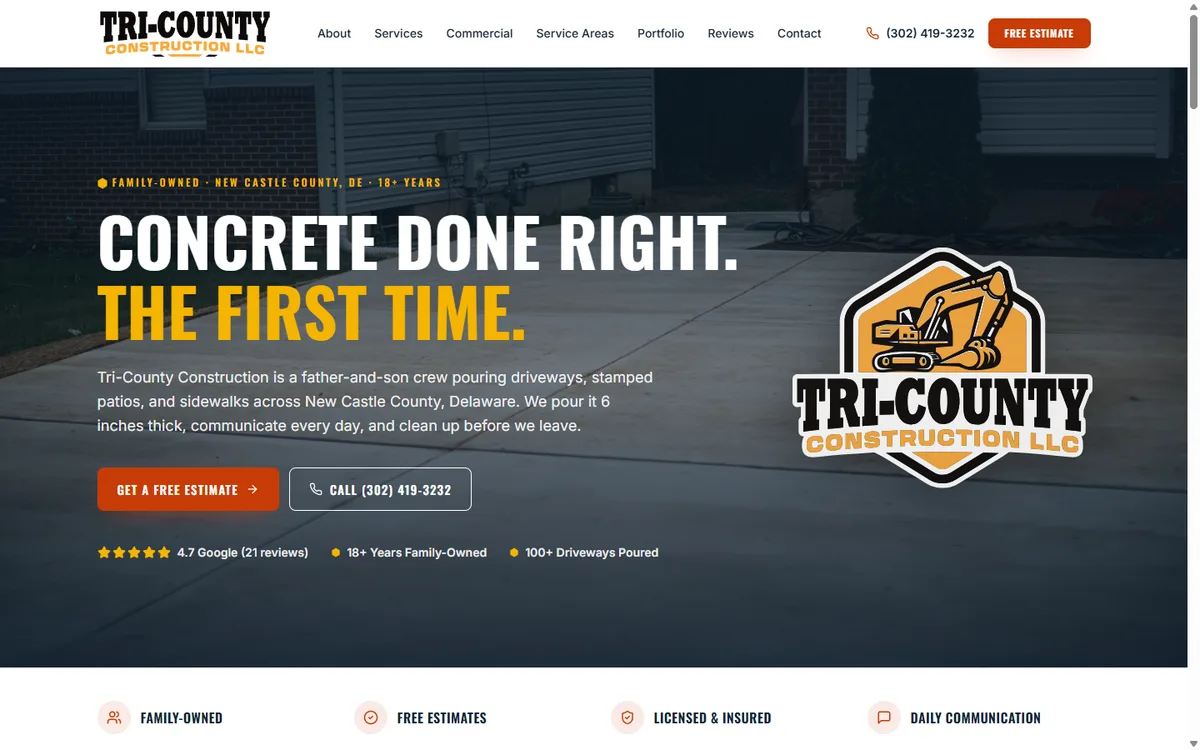
A father-and-son concrete crew built to rank for every concrete service — driveways, stamped patios, sidewalks — with a project gallery and lead-capture forms so estimates start without a phone call. Design lesson: one dedicated page per service makes each offering easier to find and understand. Read the full case study →
7. CoriaCo Home Remodeling — decks & roofing (PA, DE)
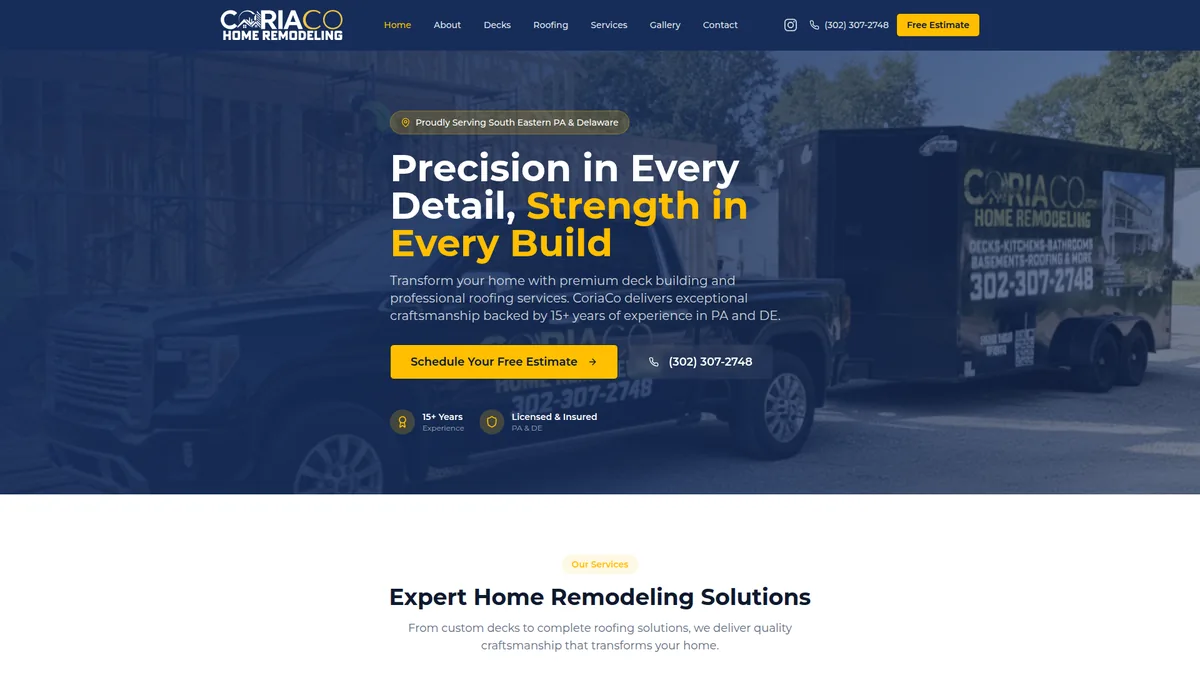
Our very first client. Booking, service pages, and a gallery gave 15 years of craftsmanship a home online that matches the quality of the work. Design lesson: clean service pages plus booking — the fundamentals, done right. Read the full case study →
8. Icon Paving — paving contractor
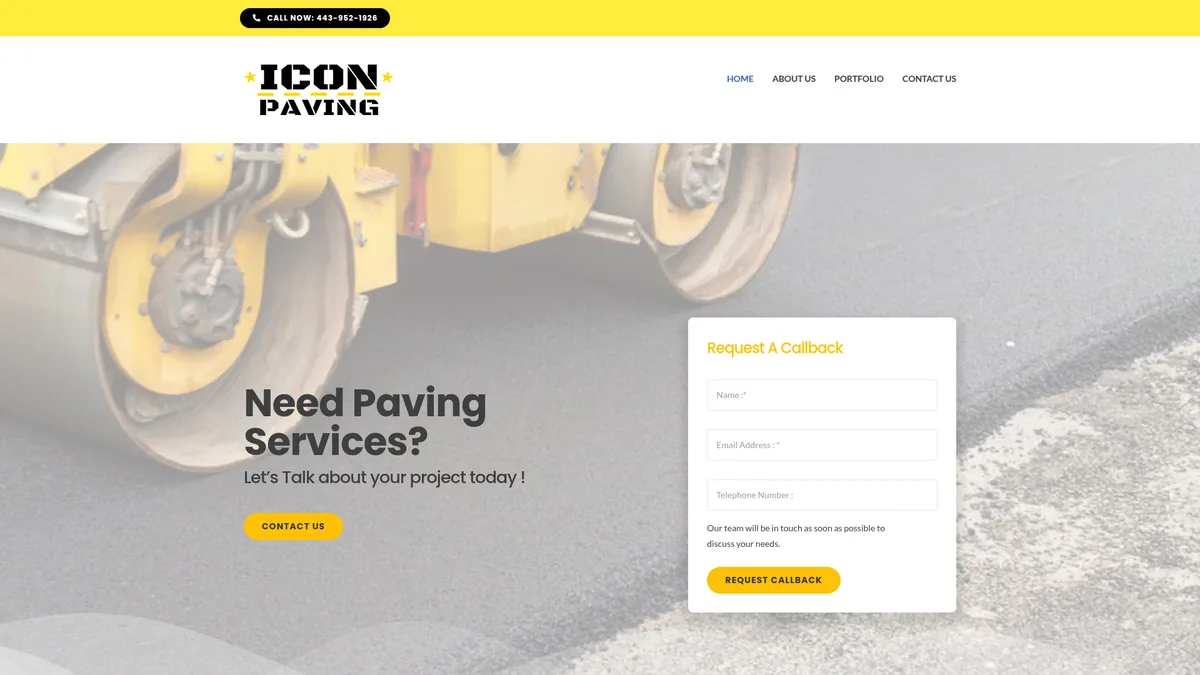
A clean paving site built around a portfolio and callback-request forms. Design lesson: the callback form turns “just looking” traffic into a list of people to call back. Visit the live site ↗
9. PSS Construction — full-service construction
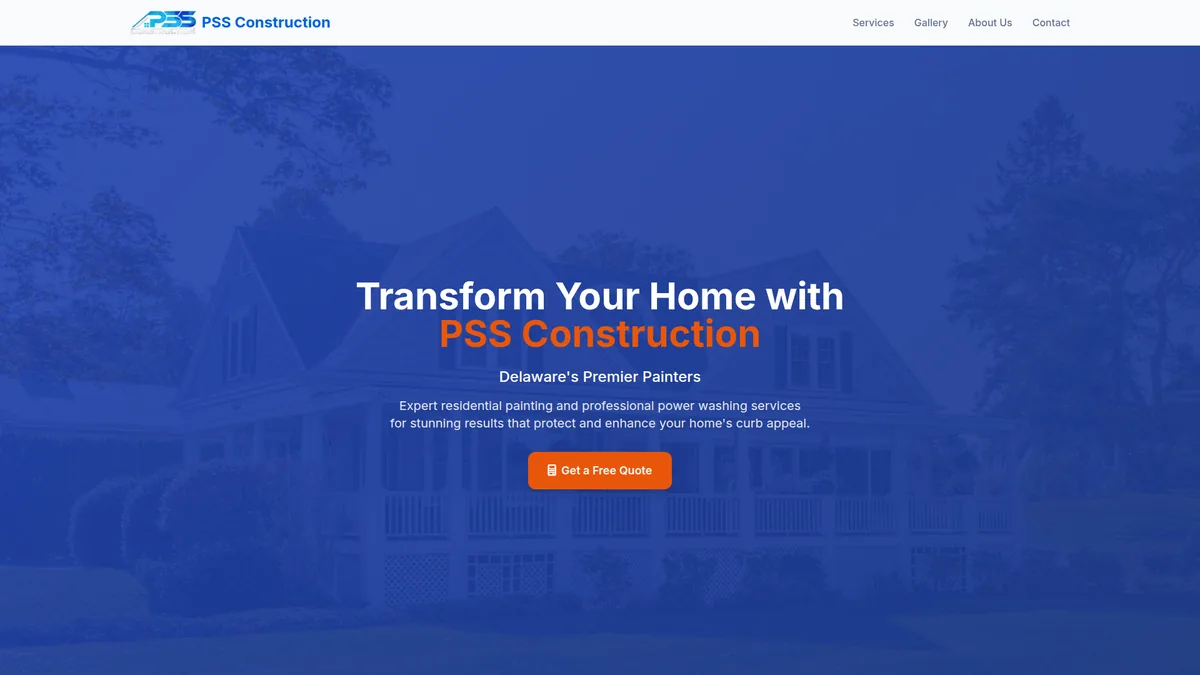
A project portfolio, service pages, and lead-generation forms for a general construction contractor. Design lesson: the portfolio is proof — it answers “can they actually do my kind of job?” before a homeowner ever reaches out. Visit the live site ↗
10. R.A. Barker Home Improvement — remodeling (DE)
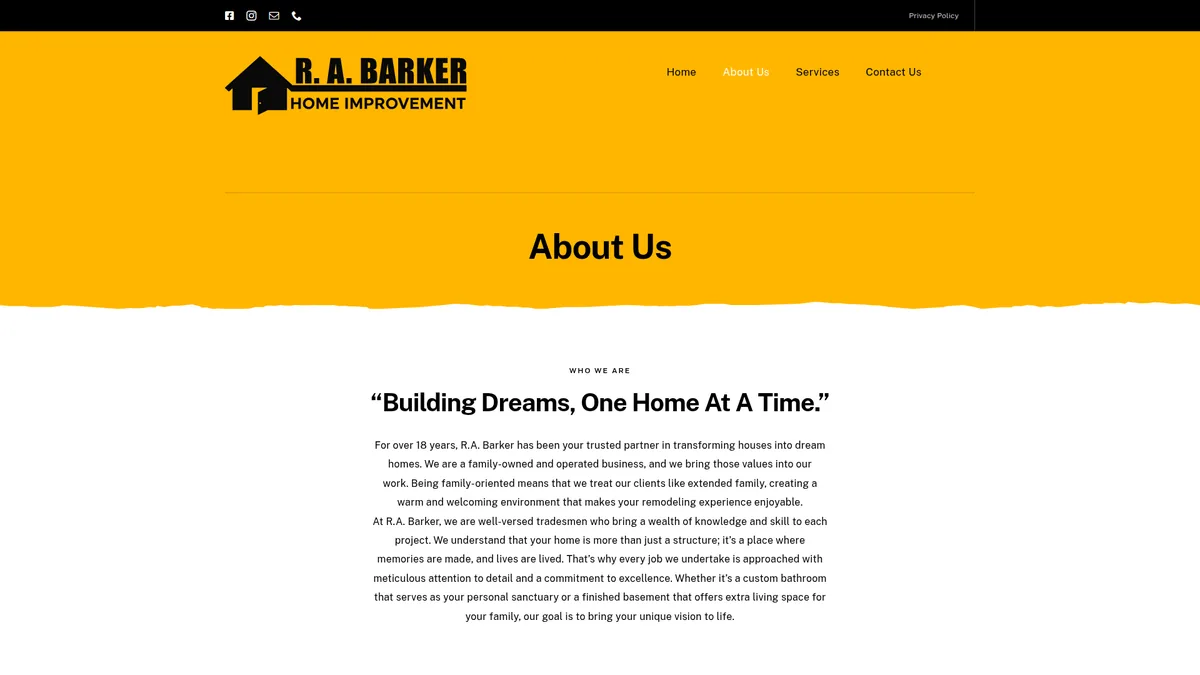
Kitchen, bath, basement, and deck services, each with its own page and gallery. Design lesson: separate service pages mean a homeowner searching “basement remodel” lands on a page about basements — not a generic homepage. Visit the live site ↗
11. Green Flowers Landscaping — landscaping & hardscaping (Northern DE)
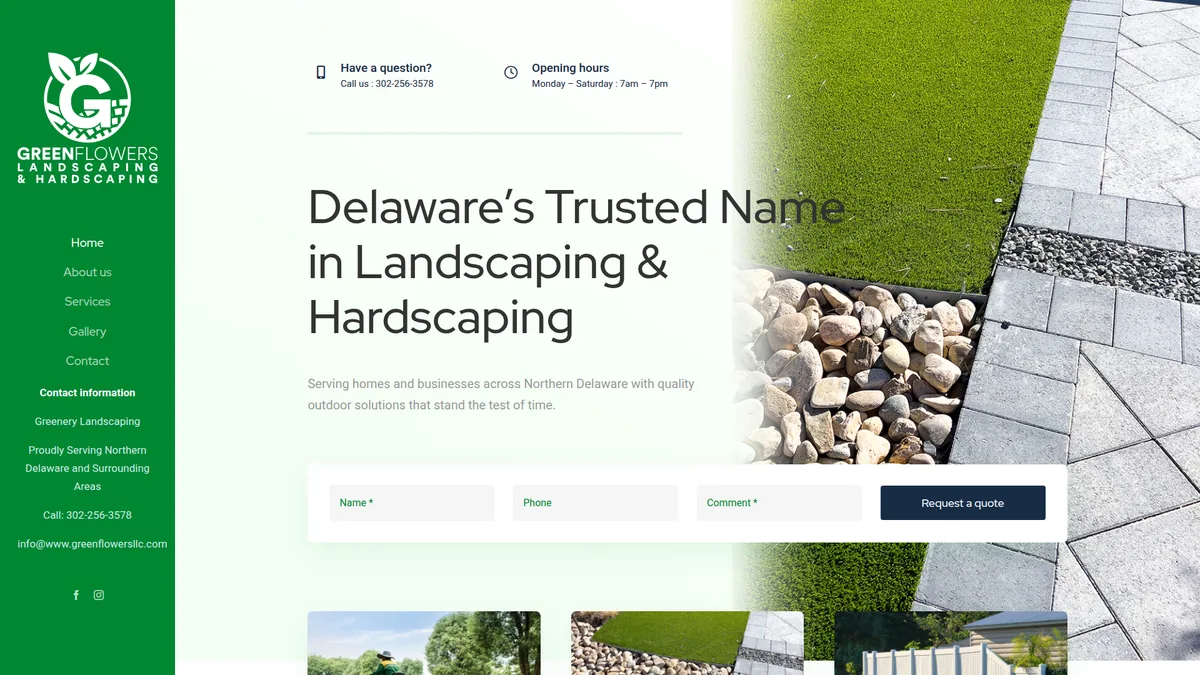
Quote-request forms front and center for a landscaping and hardscaping company. Design lesson: a prominent quote form makes the next step easier to find. See what goes into a landscaping website. Visit the live site ↗
12. 1-2 Tree Gone — tree & landscaping services
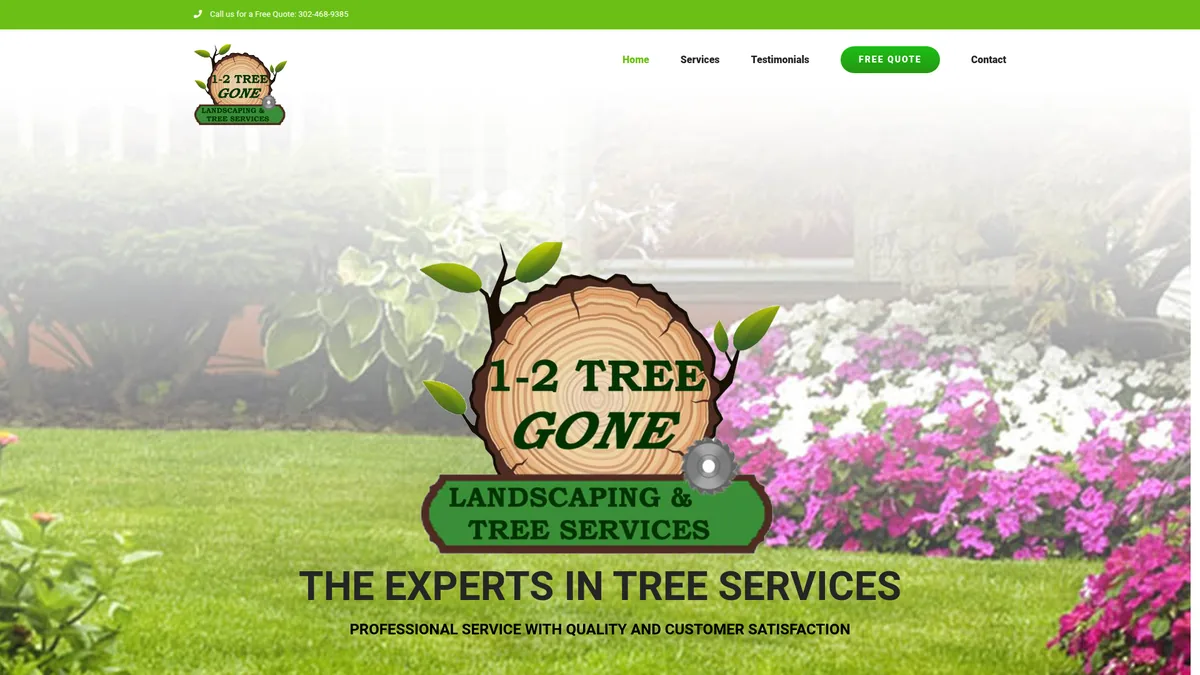
A free-quote system, testimonials, and emergency-service callouts. Design lesson: an emergency-service callout helps people find urgent contact information. Visit the live site ↗
Related examples from service businesses and software
13. G&G Cleaning Services — commercial & residential cleaning
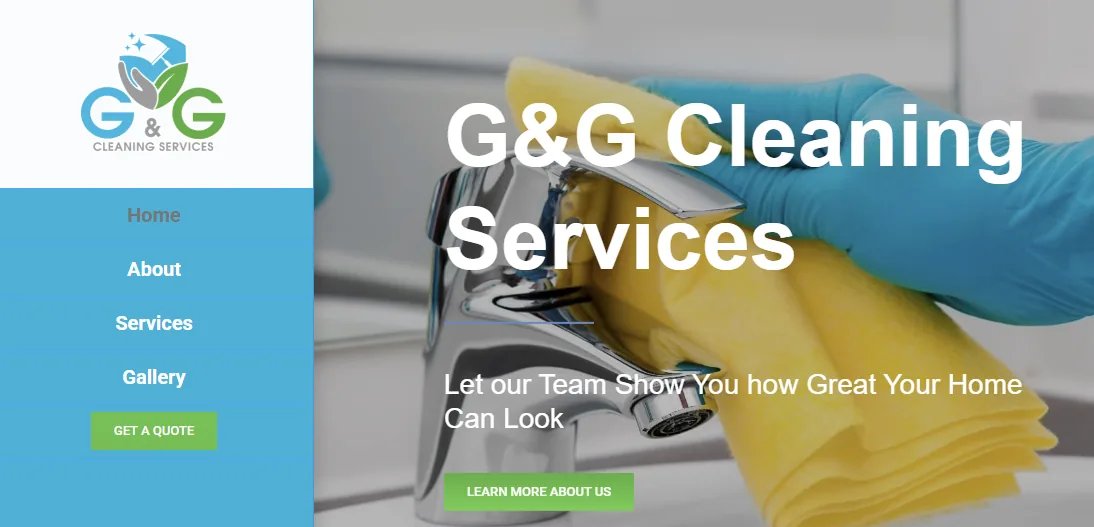
Service-area pages and online booking for a cleaning company. Design lesson: booking lets clients self-schedule recurring service without a back-and-forth — the same playbook works for any home-service trade. Visit the live site ↗
14. Styled by Jaide — bridal beauty (DE)

Not a contractor, but the lesson is identical: a portfolio-first, booking-driven site with bilingual support. Design lesson: for appointment-based trades — including any salon or barbershop — the portfolio sells and the booking button closes. Visit the live site ↗
15. TuEstimado — the contractor app we built ourselves
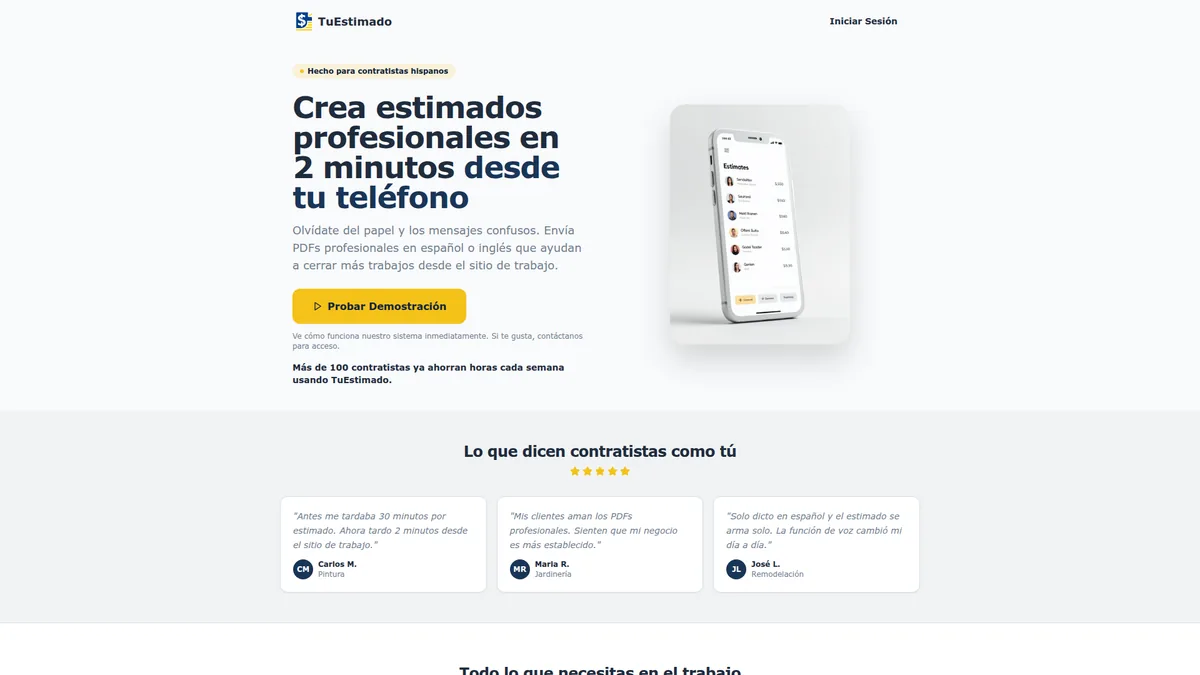
We don’t just build contractor websites — we build for contractors. TuEstimado is our bilingual invoicing and estimating app. Design lesson: it proves the same team that builds your site understands how trades actually run a job and get paid. Visit the live site ↗
Design principles to apply to your own website
Strip away the trades and the colors and the same four design goals appear across these projects:
- It loads fast on a phone. A slow site loses the visitor before they ever see your work. Speed is a feature, not a nicety.
- It makes calling effortless. A thumb-friendly click-to-call button above the fold catches the homeowner who just wants to talk to a human.
- It captures the people who won’t call. A short, trade-specific estimate form turns midnight browsers into morning leads.
- It explains where you work. Useful service-area content connects your services to the places you actually cover.
That formula doesn’t change by trade. It’s the same whether we’re building contractor websites for paving and fencing crews, HVAC & plumbing websites built around emergency calls, landscaping & hardscaping websites built around a gallery, or salon & barbershop websites built around booking.
Your business could be our next website project. A custom contractor website starts at $97/mo. No contracts. Cancel anytime.